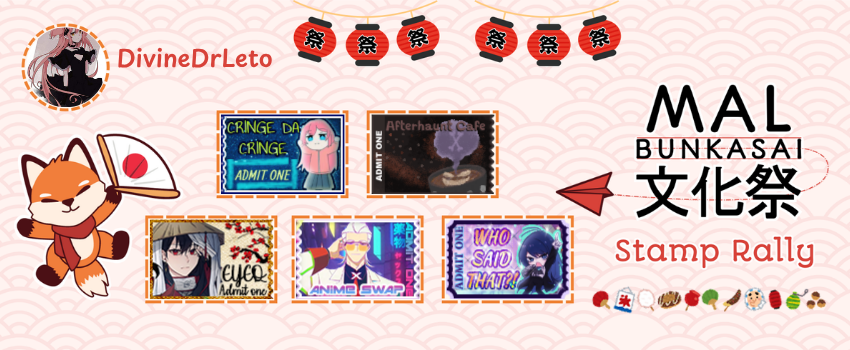
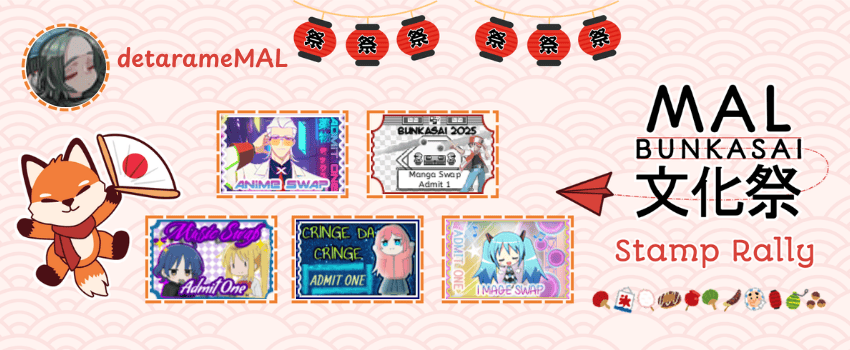
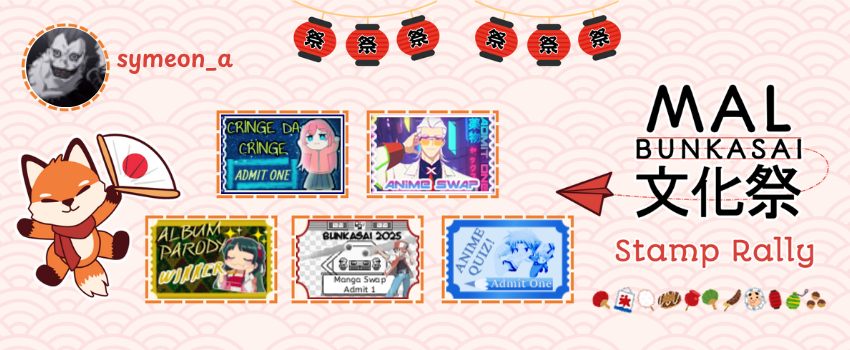
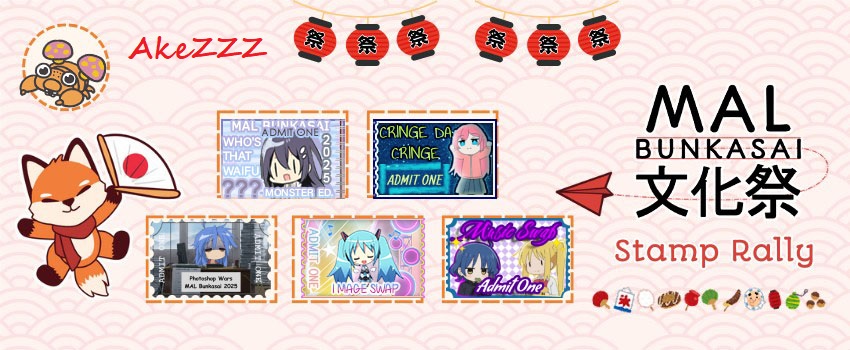
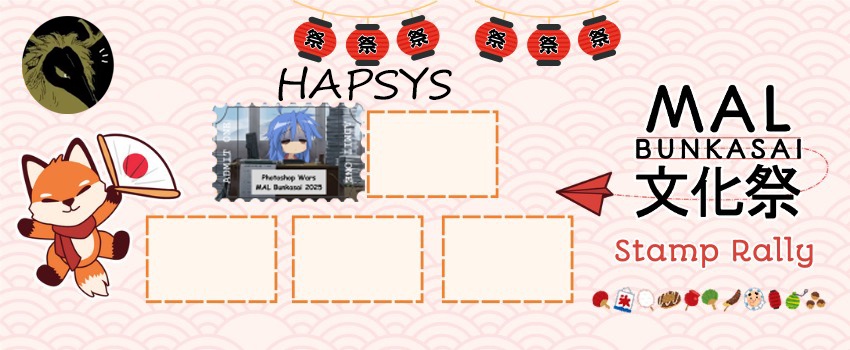
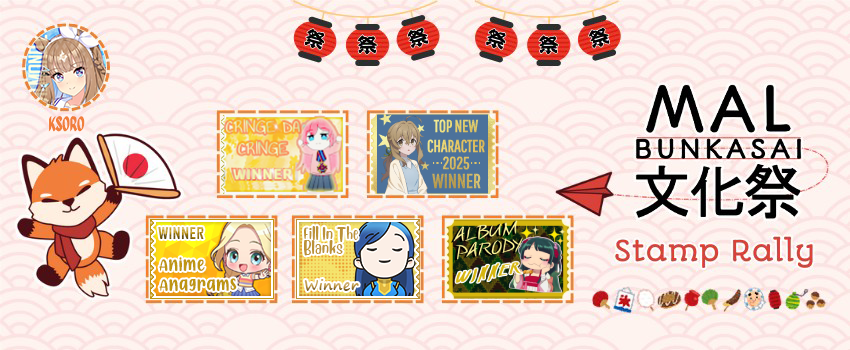
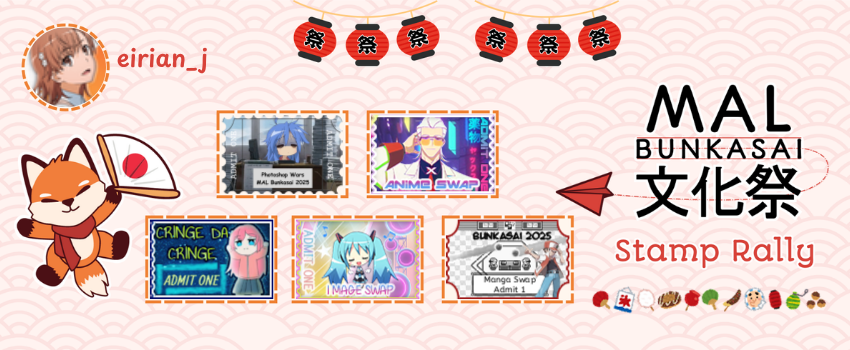
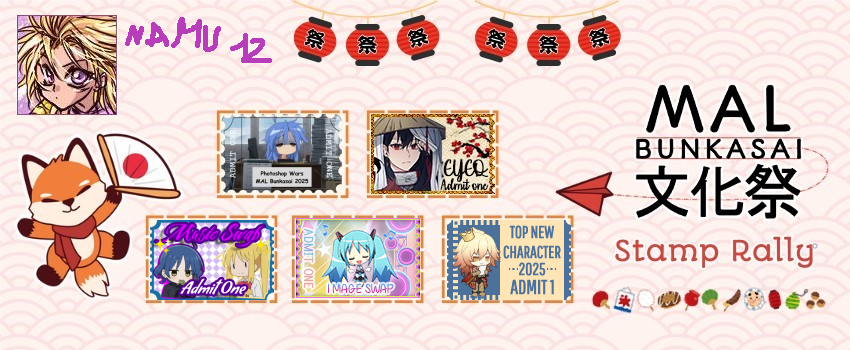
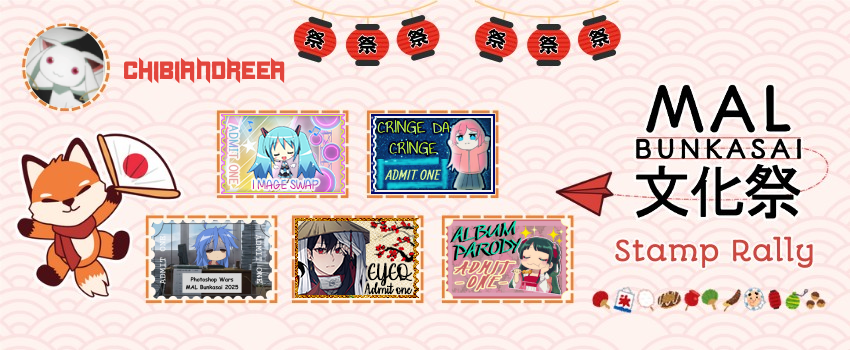
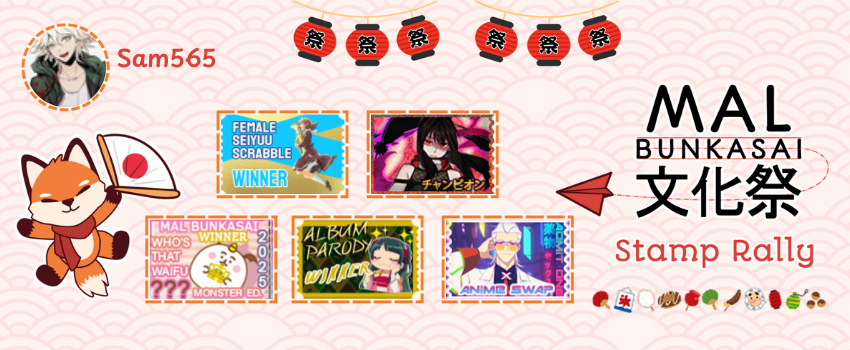
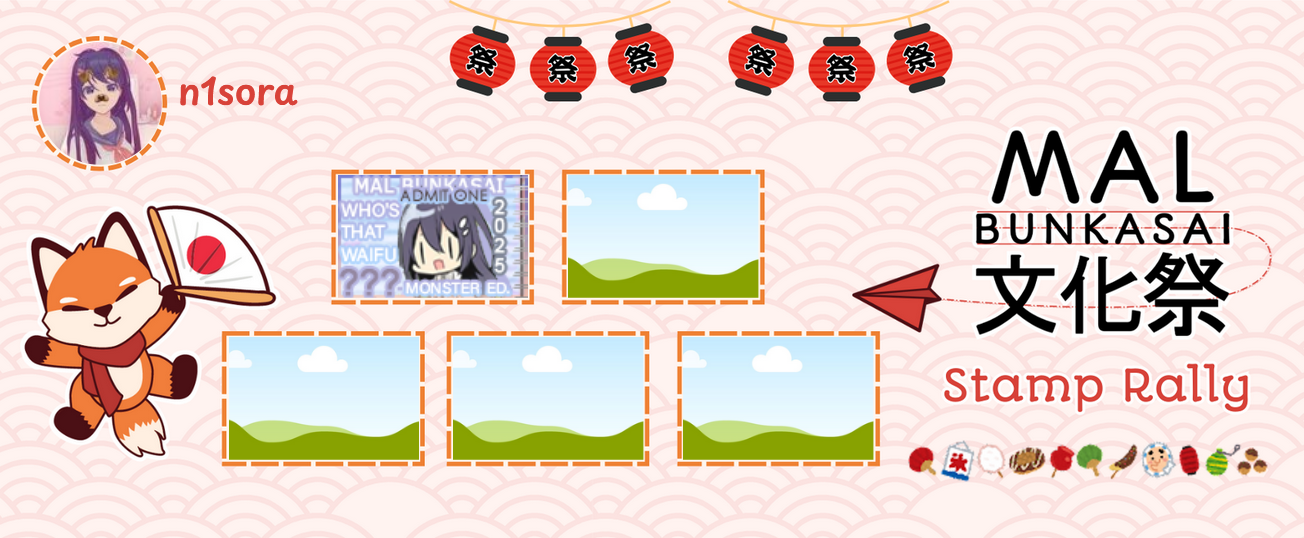
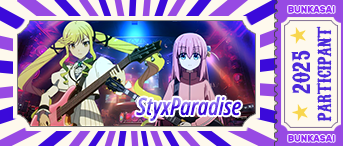
Collect tickets from events to add to your stamp rally card to get one of these badges:
Stamp Rally Deadline
Submit your card by November 25th (23:59 PST)
How to Play
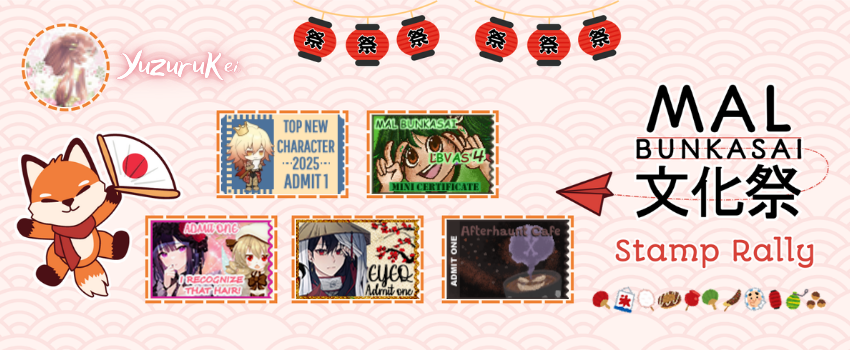
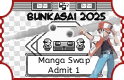
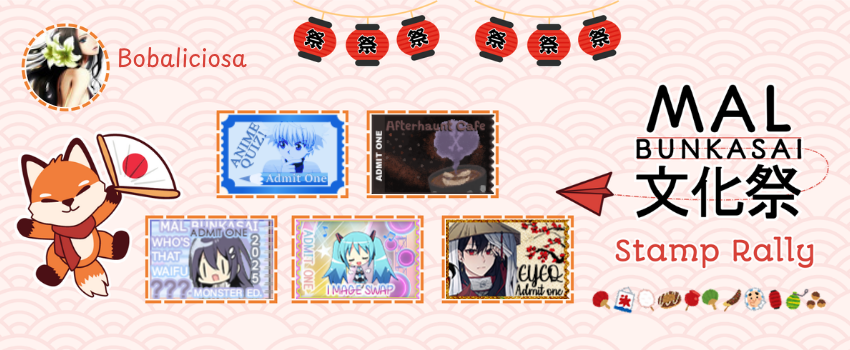
After participating in any of the MAL Bunkasai Events, you will receive a ticket from the event's host.
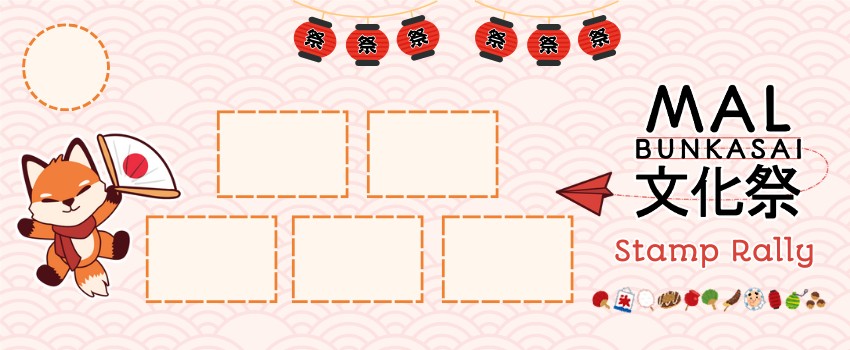
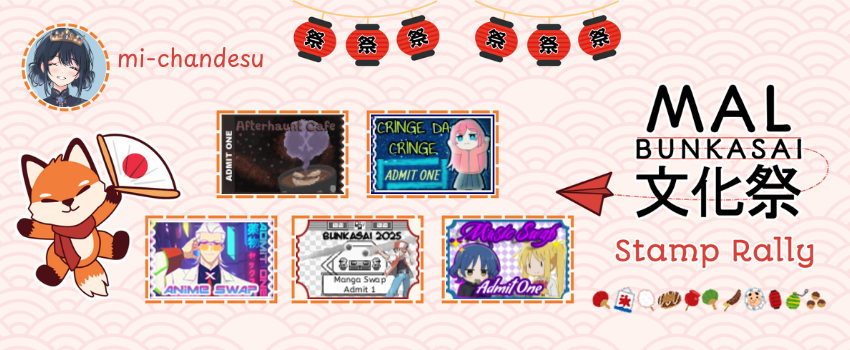
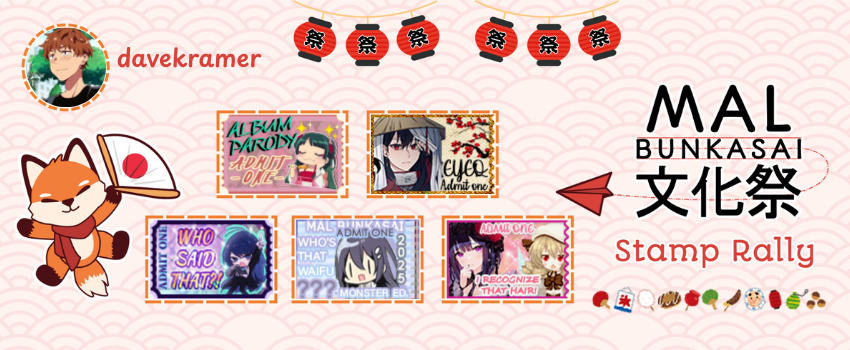
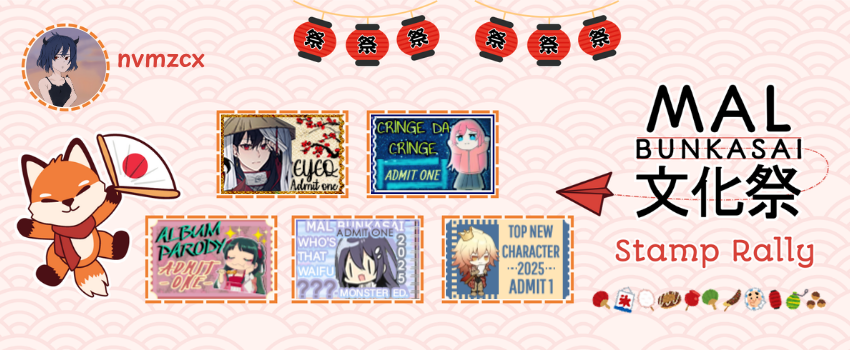
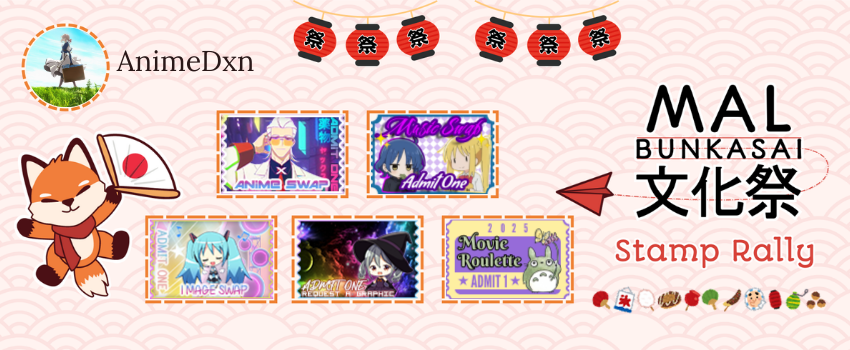
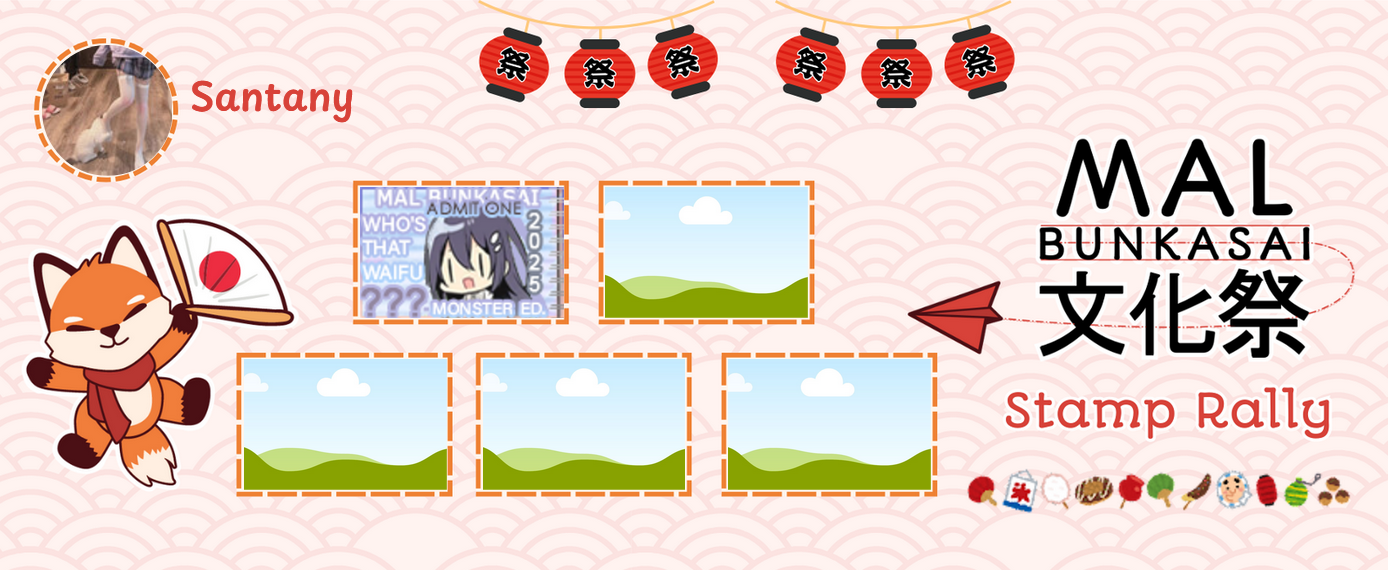
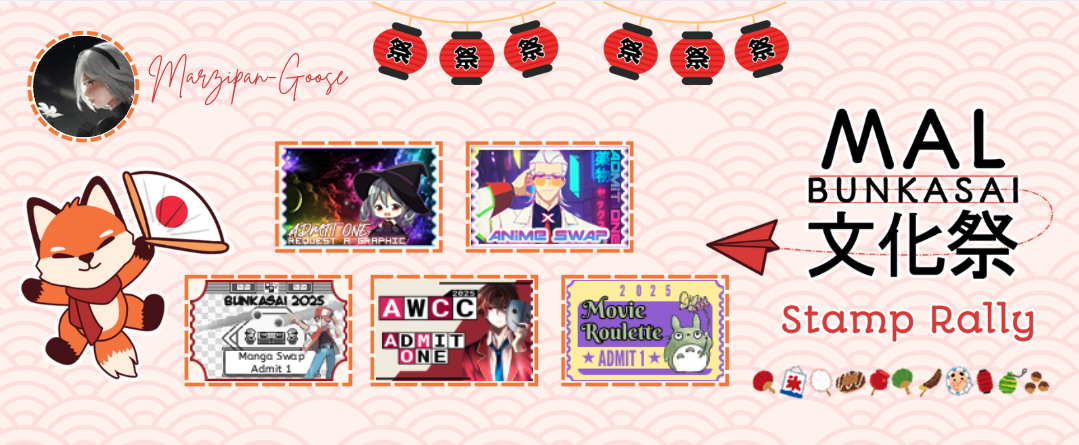
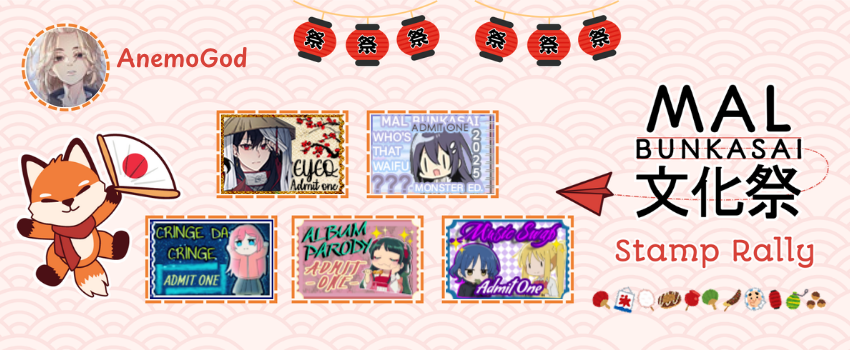
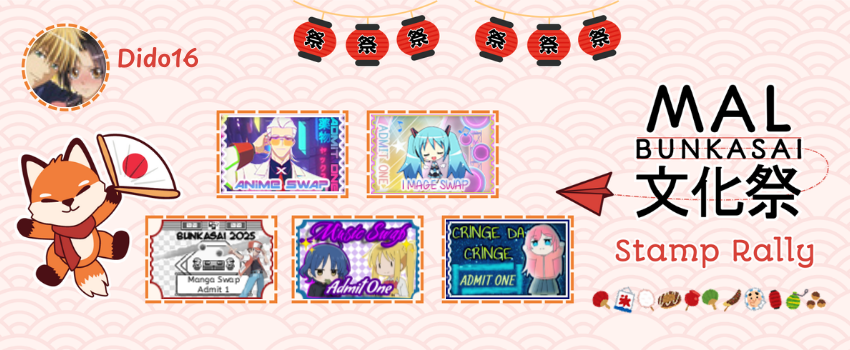
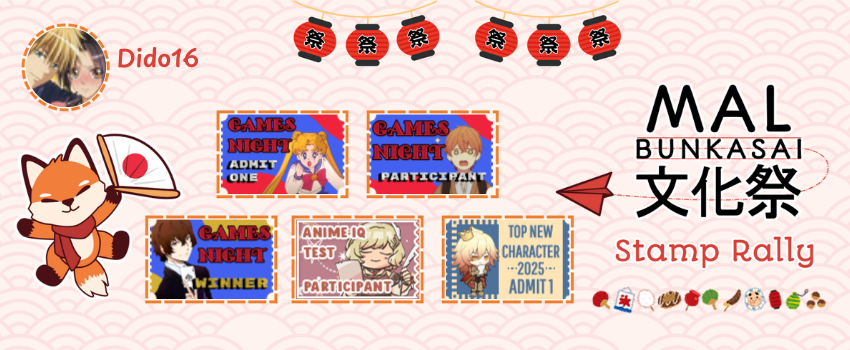
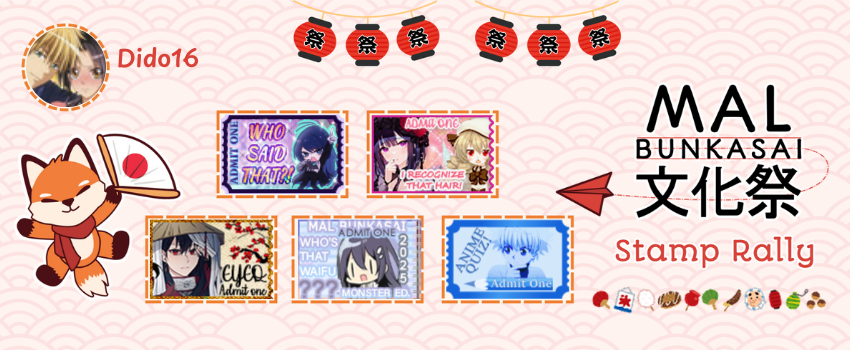
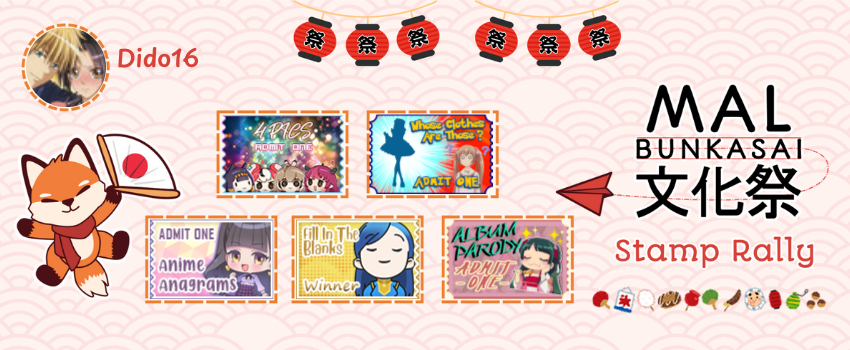
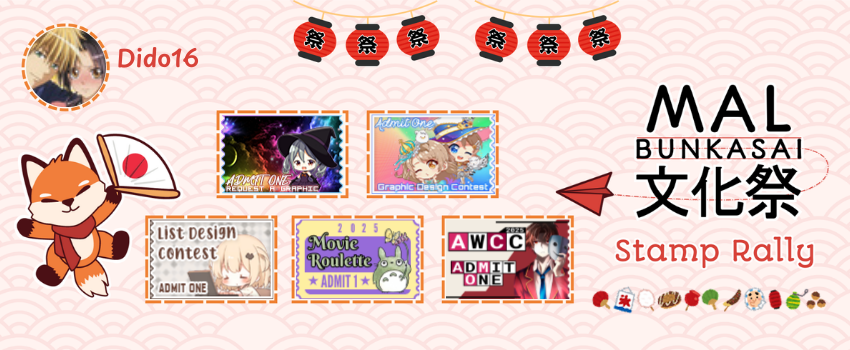
Using the Canva Templateor an image editing program/app, put your ticket into the respective rectangular square.
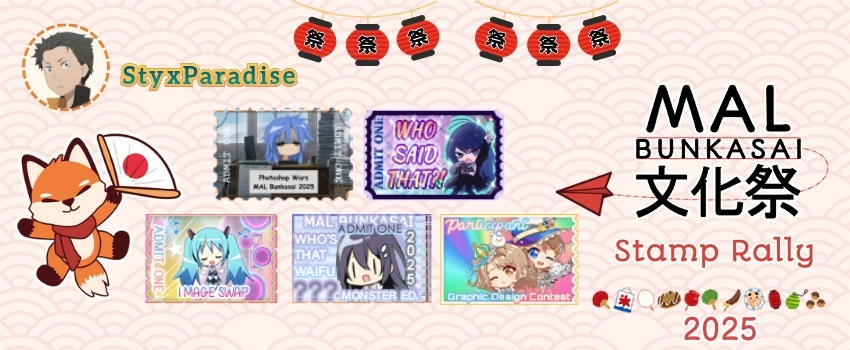
After you have collected 5 tickets from different events, add a personalized picture and sign your card with your signature.
Then post it in this thread using the instructions below!
2025 Rewards
Bunkasai attendees who collect 1-4 event tickets will receive a lantern badge
—for attempting the rally but not completing it...
Bunkasai attendees who collect 5+ event tickets will receive a fox badge
—for successfully completing the stamp rally!
Rules
One ticket per event. Bonus or winner tickets (when available) do not count as additional tickets, but may be used to replace the basic ticket given by each event host.
Tickets may be distributed through MAL PMs, MAL forum post edits, Discord DMs, Discord pinned messages, and other methods. Please refer to each event's rules for information about how to obtain the ticket for the event.
You must autograph your card with your own username!
Click on the image to get the full-size version or use the Canva Template.
Use this code for your forum post:
WRITE SOME TEXT HERE

[spoiler="Stamp Rally Card"]
[img width=500]YOUR STAMP RALLY CARD IMAGE HERE[/img]
[/spoiler]
- On PC, save the completed stamp rally card to your computer, and then drag/drop your image into the placeholder text [Video Tutorial]
- On mobile, you'll need to upload the image to an image hosting site (check some options below) and get the URL [Video Tutorial]
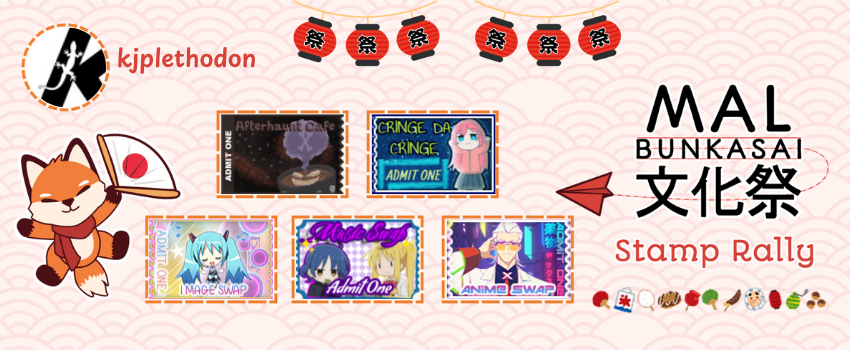
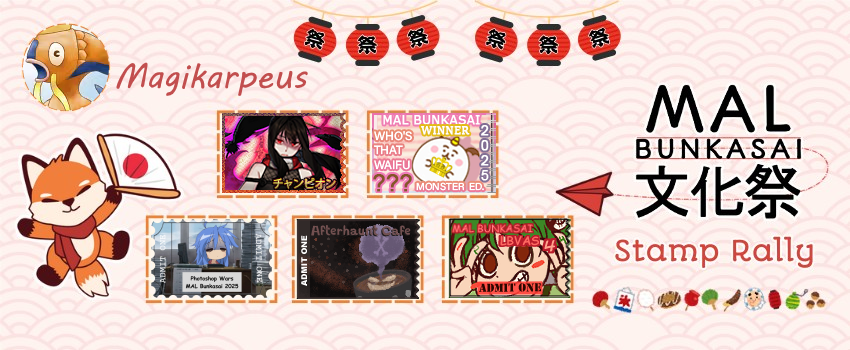
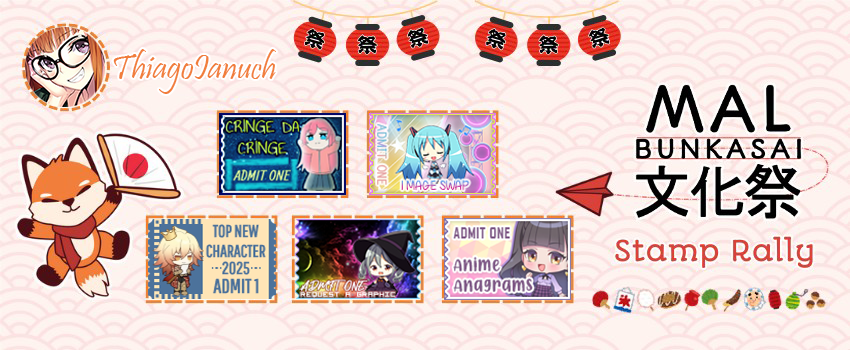
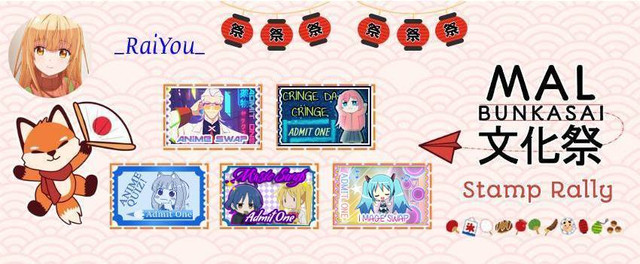
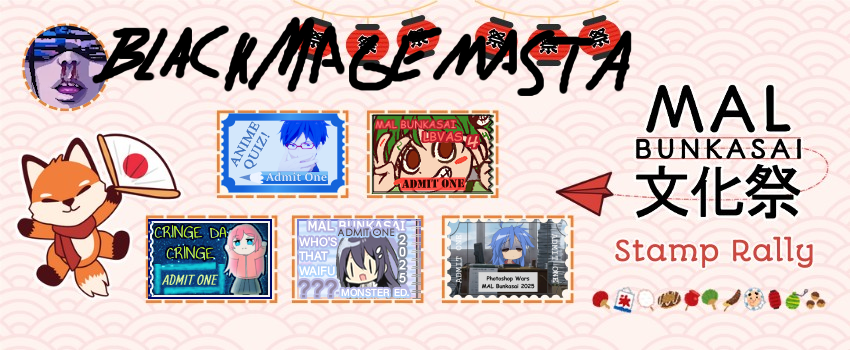
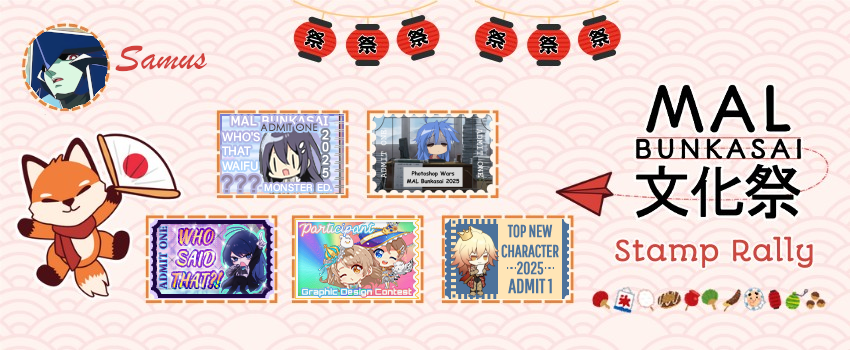
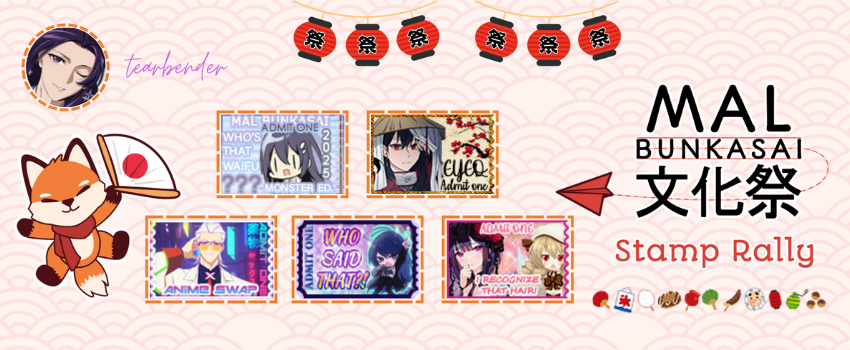
Here is my stamp rally card!
Image Hosts
If you can't drag the stamp rally into your post, sites you can upload the completed stamp rally to are:
If you don't want to use Canva, you can use Photopea to edit your downloaded stamp rally card in other ways! It's a free site to edit images, which works on desktop PCs, laptops, phones, and tablets. Since it is a copy of Photoshop, much of the same tips work there.
Ooh, you redid the Stamp Card? Cuz I had blanks I used from the last couple years on imgur, new one looks mostly like the design was flipped but still looks pretty clean
Thanks for the amazing template! Loved participating in these, going in back for more ^^ edit: Have 3 full cards, 2 still pending for the last tickets from the last events! edit 2: 5 full cards :D






























 x19
x19








 Bury the Light
























 (x16)
(x16)















































 on
on 















 8x
8x 


 on
on 






 x8
x8